
A real person responds within 2 business hours Client portal · Mon–Fri, 9–5 Eastern · (207) 370-2369
Nonprofits

IT for nonprofits, planned around the budget you have.

Education, agriculture, human services, community development and international programs. Many of the nonprofits we work with have no IT staff, a tight budget, and funders who expect donor and client data to be safe.

Sound familiar?

What nonprofit IT actually looks like.

Every dollar is a program dollar

You need protection priced to the size of your team, and someone who'll tell you when not to spend.

Funders and boards ask questions

How do you protect donor and client data? How would you recover from an incident? You should be able to answer in a sentence and show the documentation.

Staff everywhere, some of them seasonal

In the office, in the field, in another state, and a crew that starts in spring. Everyone needs the right access on day one, and none of it after they leave.

Shared devices

Tablets and laptops passed between staff and volunteers. Each one should be locked down and set up the same way, so a shared device isn't an open door.

Volunteers and staff who move on

When someone leaves, their access should leave with them, and their email and files should stay with you.

No one whose job is IT

The "computer person" is usually the program director or the bookkeeper. We take that off their plate.

What we do

The protection a large organization runs, sized to your team.

Systems watched, patched, protected and backed up in the background. When something needs a person, you get a local one who already knows your setup.

Which package fits a nonprofit?

If staff share devices, work remotely or turn over seasonally, or you hold client data, Gold. If your computers stay in one office and hold nothing sensitive, Silver. Silver and Gold

  • Managed security and system care on every computer, in the office or out in the field.
  • Device management for shared tablets and laptops, so each one is locked down and set up the same way.
  • Password management, so access ends cleanly when staff or volunteers leave.
  • Cloud app backup for Microsoft 365 or Google Workspace, so a departing employee's mailbox stays yours.
  • Documentation of your setup, ready when a funder or your board asks.
  • Licenses reviewed before renewal, so you stop paying for accounts nobody uses.
From our work
Client story

Retiring an aging server at a multi-site nonprofit

  • Agriculture and education nonprofit
  • Coastal Maine
  • Multiple buildings and a seasonal operation

The situation

One server, years past its useful life, ran the file shares and core network services for the whole organization: a working farm, a public campground and an education program. Staff were hybrid, some fully remote out of state, and Wi-Fi across the property was patchy.

What we did

Documented the whole environment first. Moved the network services off the server, moved file storage to the cloud, and retired the server. Rebuilt the network so the farm, the public areas and the office each stand on their own. Brought the tablets under central device management, so shared devices are locked down and set up the same way. Reviewed cloud licensing before the annual renewal and cut licenses the organization wasn't using.

No single point of failure, no server to replace, and staff working the same way from the farm, the office or another state. The setup is documented, so any of our technicians can pick it up.
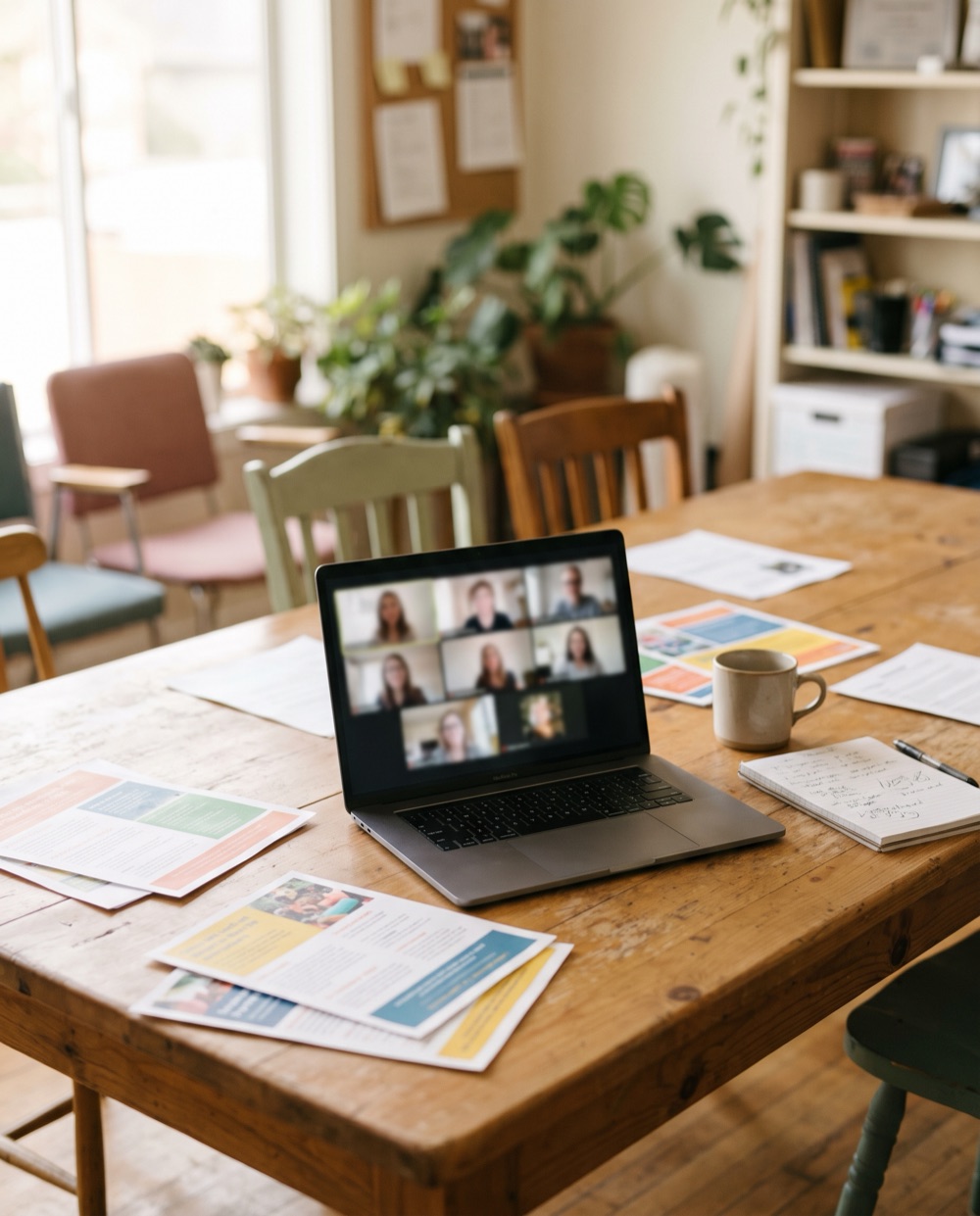
No office at all?

Fully remote works too.

One of the nonprofits we support has no office and no server. Staff work remotely across the US and several countries, running youth programs on four continents. We handle the cloud workspace, onboarding and offboarding, and the organization's website and hosting.

We caught a domain renewal that would have taken down the website and every staff email address if it had lapsed. And when a laptop part failed for a staff member 800 miles from the nearest technician, we identified it, sourced a current replacement for the discontinued part, and had it shipped and installed. They were working again within a week, without ever handing over the machine.

A laptop on a shared work table during a video call, program flyers and a coffee mug around it
Next step

Tell us what's not working.

Tell us how many computers and people you have, and we'll send a real number, not a range. If we're not the right fit, we'll say so.

  • A person responds within 2 business hoursMonday–Friday, 9–5 Eastern. Calls after hours are returned the next business day.
  • We come to youOnsite in Greater Portland, remote anywhere.